IPTV buffering or freezing: 8 fixes that work
Freezes and endless loading: what to check before you contact support.
TV, bandwidth, HDR, streaming device: the checklist for genuine 4K.

Watching IPTV in 4K takes a UHD-capable TV, a device that can decode 4K and roughly 25 Mbps per screen, the figure also cited in the FCC broadband speed guide for ultra high definition video.
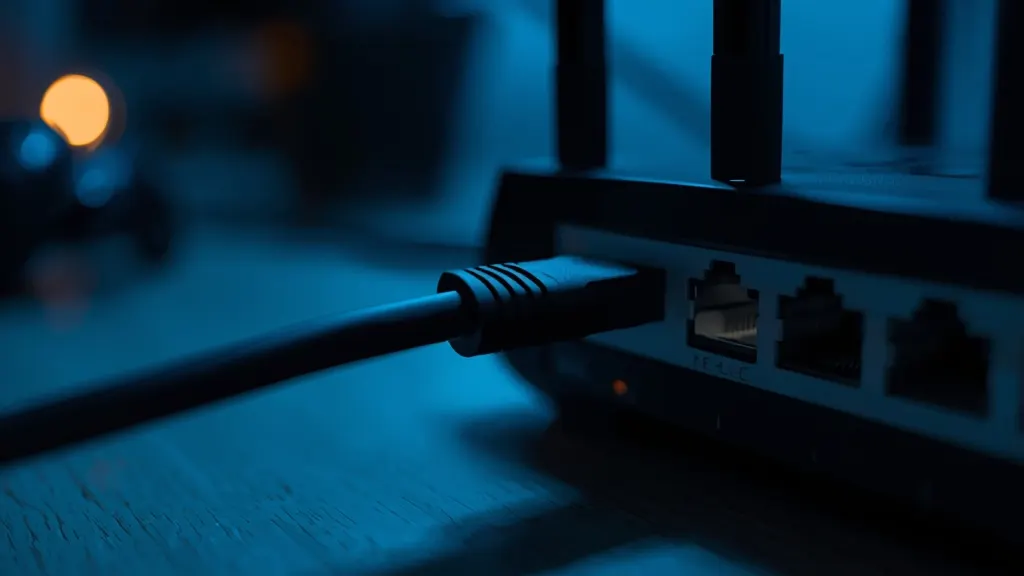
Almost always because of Wi-Fi or shared bandwidth. Try a cable, close other streams, then follow our buffering fixes. If several people watch at once, add the bandwidth up: the article on IPTV on multiple screens shows the maths.
You can check the picture quality on your own screen with our free 24-hour trial.
Freezes and endless loading: what to check before you contact support.
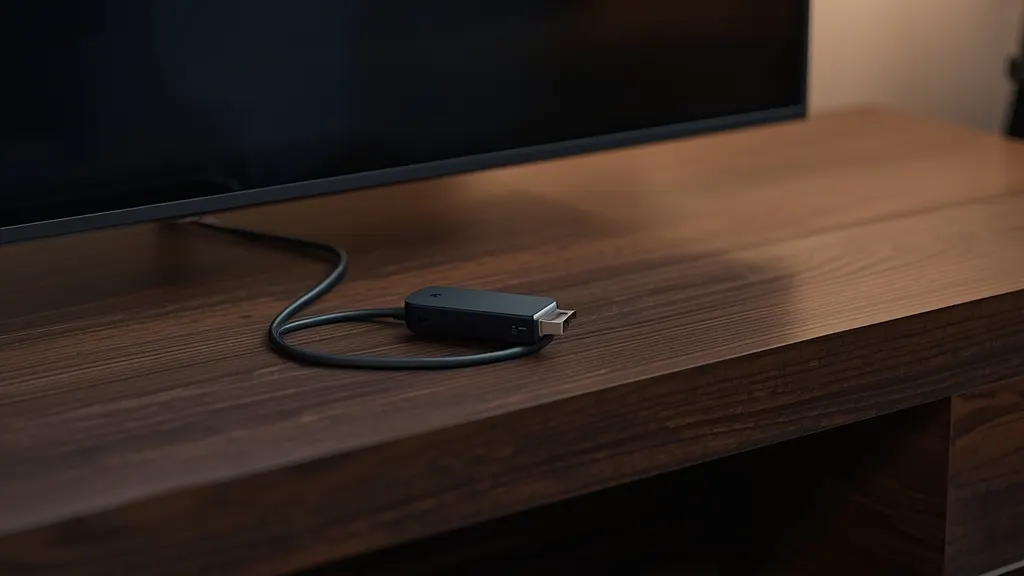
A Fire TV Stick is the easiest way to make any TV IPTV-ready.
Living room, bedroom, tablet: how many screens to plan for and the bandwidth you need.
Test Tivistation free for 24 hours on your TV.