
IPTV and VPN: do you need one?
Privacy, speed, slowdowns: what a VPN really changes.
Freezes and endless loading: what to check before you contact support.
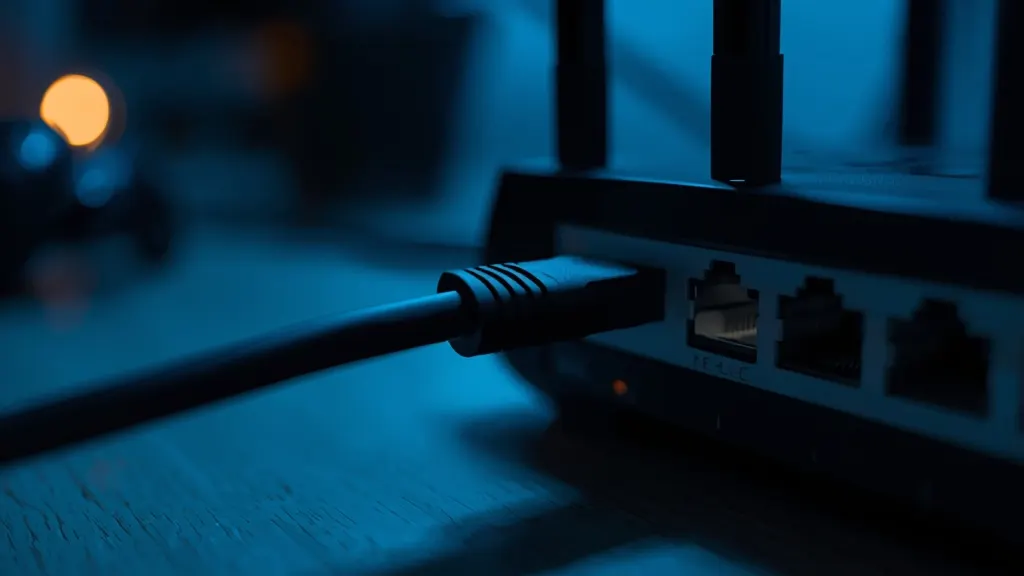
IPTV that freezes or loads endlessly usually points to the home network rather than the service. Here are 8 checks to run in order before you contact support.
These sticks have little memory, so uninstall apps you do not use. Our Fire TV Stick guide covers the right settings, and the 4K guide explains why ultra high definition needs more bandwidth.
If the problem persists, message us: we can move your stream to a backup server. Still unsure about a plan? Read how to choose a subscription.
Privacy, speed, slowdowns: what a VPN really changes.
A Fire TV Stick is the easiest way to make any TV IPTV-ready.
TV, bandwidth, HDR, streaming device: the checklist for genuine 4K.
Trial, stability, support, payment: the checklist that keeps you safe.
Test Tivistation free for 24 hours on your TV.