IPTV buffering or freezing: 8 fixes that work
Freezes and endless loading: what to check before you contact support.
A Fire TV Stick is the easiest way to make any TV IPTV-ready.
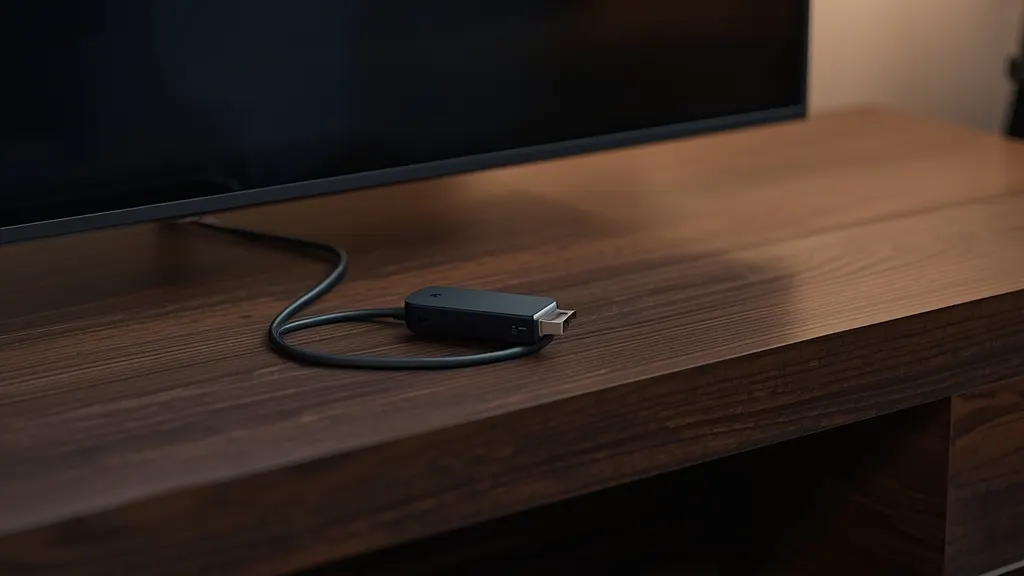
Installing IPTV on a Fire TV Stick takes about 10 minutes: enable apps from unknown sources, install a player app, then enter your login details. Amazon describes the device on its Fire TV developer site.
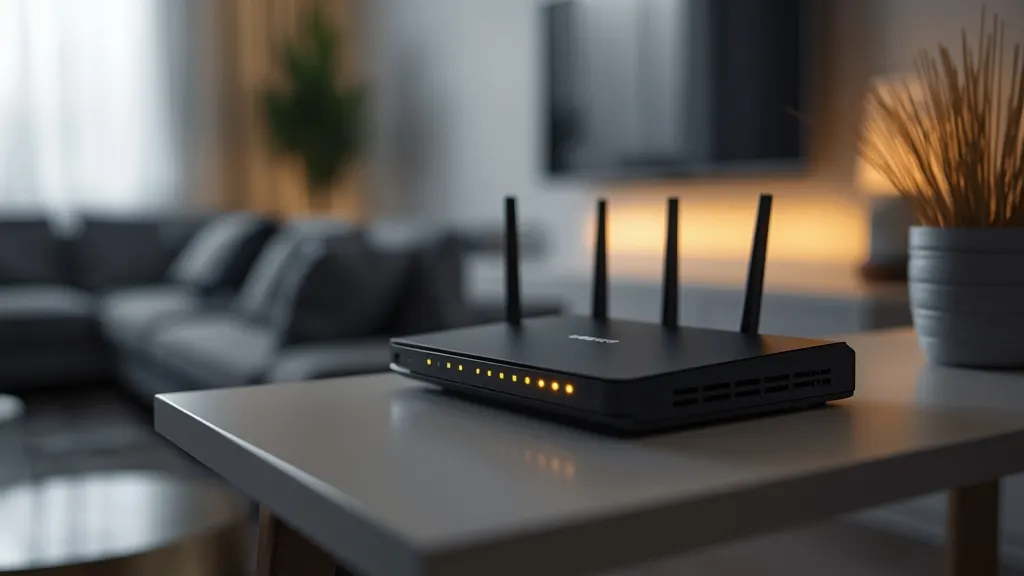
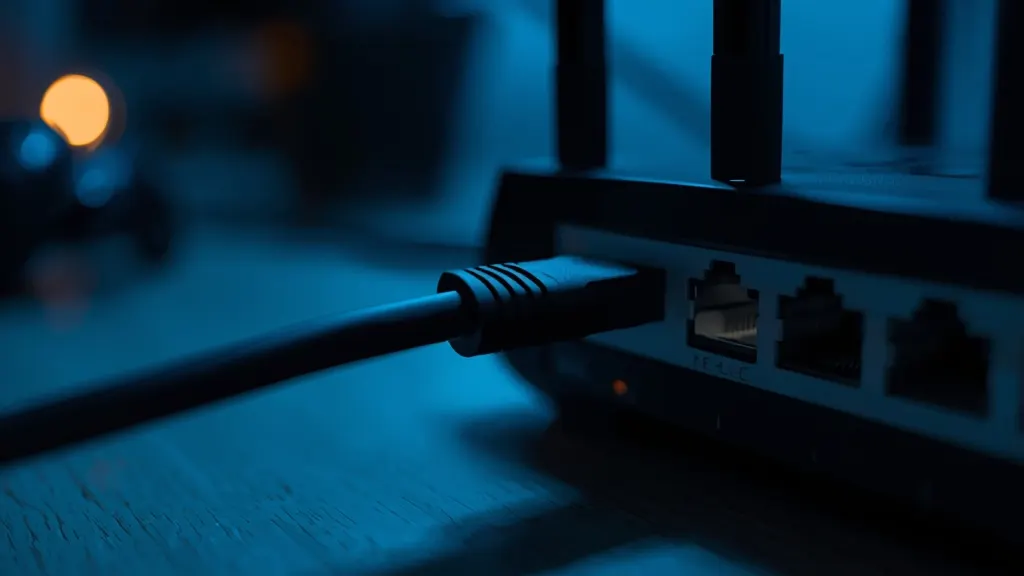
Pick a Fire TV Stick 4K, use the supplied power adapter and prefer Ethernet where possible. Our tips on 4K IPTV cover the bandwidth you need. If the picture stutters, work through our buffering fixes.
For other devices, see the full setup guide.
Freezes and endless loading: what to check before you contact support.
TV, bandwidth, HDR, streaming device: the checklist for genuine 4K.
Internet television without the jargon: how it works, what you need, key terms.
Test Tivistation free for 24 hours on your TV.