Tivistation – Best IPTV Setup Guide
Setting up IPTV takes about 5 minutes: one app, your login, done. Here are the steps every device shares, then the details for each type of screen.
How do I install IPTV in 4 steps?
The same steps, whatever your device.
Check your connection
Plan for 15 Mbps per screen for Full HD and 25 Mbps for 4K. An Ethernet cable beats Wi-Fi.
Install the player app
We tell you the best app for your device when you order or start your trial.
Enter your login
Copy the details you received on WhatsApp or by email (Xtream Codes or M3U link) into the app.
Start watching
Channels, the TV guide and the VOD library load in a few seconds.
How do I install IPTV on each device?
Samsung and LG Smart TVs
Open the TV’s app store, install the IPTV app we recommend, then enter your login. Samsung explains app installation on its Smart TV support site and LG on its help center.
Android TV / Google TV
On a Sony, Philips or TCL TV or an Android box, install the app from the Google Play Store. Google explains the steps in the Google TV help center.
Amazon Fire TV Stick
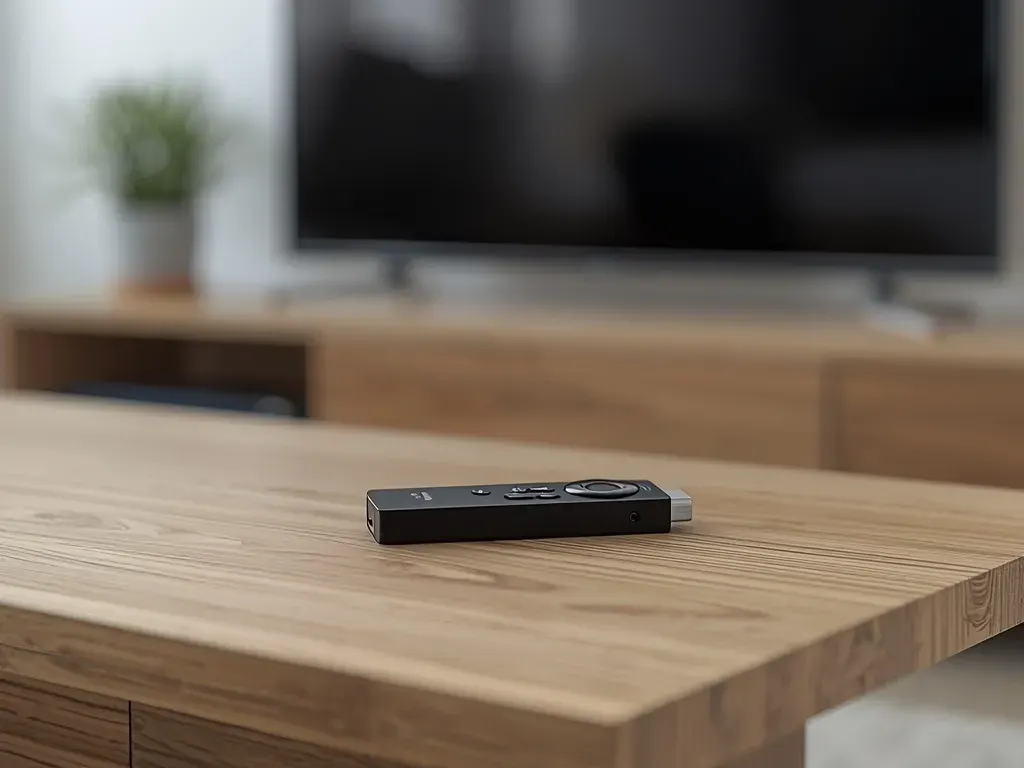
The easiest option for an older TV. The app installs through Downloader; every screen is covered in our Fire TV Stick guide. Amazon describes its devices on its Fire TV portal.
Apple TV, iPhone and iPad
Install the IPTV app from the App Store. For the first Apple TV setup, Apple provides an official guide.
PC and Mac
On a computer, a player such as VLC plays your M3U link directly. A dedicated app gives you a more comfortable TV guide.
Android boxes and other devices
An Android box turns any TV into an IPTV TV. Our IPTV box comparison helps you choose.
Do I need a box for IPTV?
No, in most cases. A Smart TV under 5 years old installs the app directly. Cable and satellite boxes are locked: for an older TV, plug in a Fire TV Stick or an Android box instead.
If the picture stutters after setup, apply our buffering fixes.
Setting up IPTV at home
The same app works on a TV in the living room, a projector or a second home.

Setup questions
How long does IPTV setup take?
About 5 minutes on a Smart TV or Fire TV Stick: install the app and enter your login. Support can walk you through it on WhatsApp.
What is the difference between Xtream Codes and M3U?
They are two ways of delivering your login. Xtream Codes (server, username, password) is more convenient and loads the TV guide automatically; an M3U link is a plain playlist address.
Is Wi-Fi enough for IPTV?
Yes if the signal is good, especially on Wi-Fi 5 or 6. For 4K and live sports, an Ethernet cable or a mesh Wi-Fi system gives a steadier picture.
Need help with setup?
Our team guides you on WhatsApp, device by device. Start with the free trial.